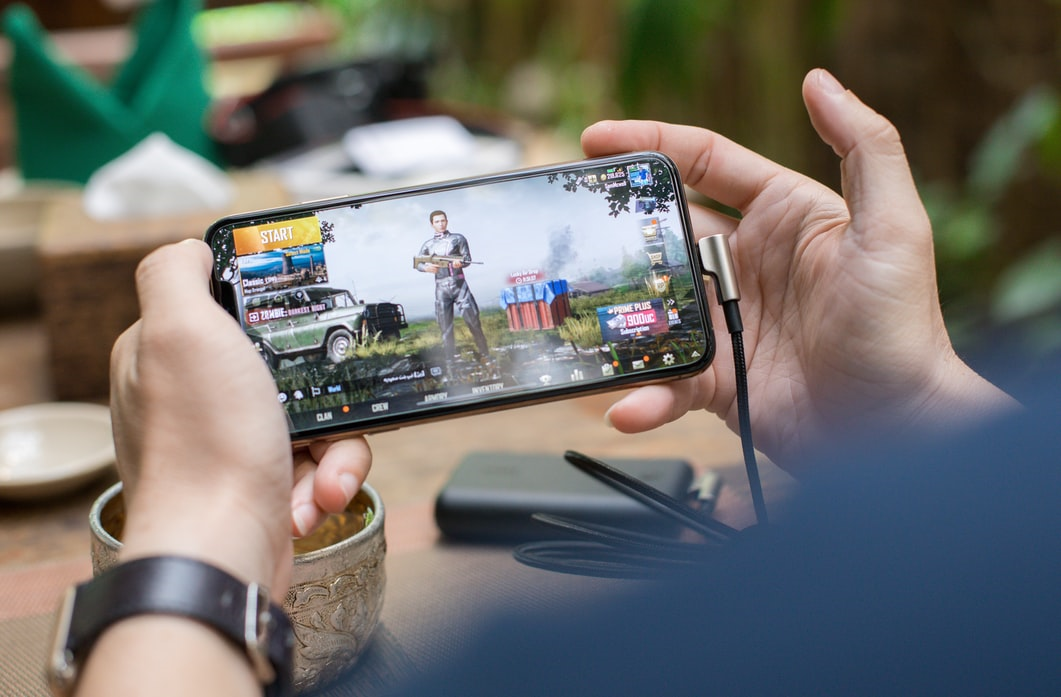
Mobile apps have reshaped the iGaming landscape. From live dealer tables to in-play sports betting and slot tournaments, high-quality mobile applications bring the full casino and sportsbook experience to your pocket. This article covers why mobile apps matter, what features to look for, how to protect your money and data, and practical steps to install and maintain a safe iGaming app on Android and iOS devices.
Why mobile apps beat mobile sites for iGaming
Native mobile apps—those built specifically for Android or iOS—generally deliver smoother performance, lower latency for live bets, and better integration with device features (push notifications, biometric login, etc.). Apps can cache content for faster loading, prioritize network traffic during live events, and offer a more intuitive navigation tailored to small screens. These UX advantages translate into faster reaction times for odds-driven markets and a more immersive casino experience overall.
Core features every iGaming app should have
When evaluating mobile betting or casino apps, prioritize:
- Speed and reliability: No one wants a frozen live stream during a decisive match.
- Clear UI/UX: Fast access to bet types, game categories, and account functions reduces mistakes.
- Strong security: End-to-end encryption, two-factor authentication (2FA), and robust session management are essential.
- Payment options: Fast, regulated payment gateways with clear withdrawal policies.
- Responsible gaming tools: Deposit limits, self-exclusion, and reality checks to keep play safe.
These features aren’t optional—they’re what separate safe, professional apps from risky, fly-by-night alternatives.
Installing apps on Android vs iOS: what’s different
iOS users are usually limited to the App Store, where Apple enforces review processes that reduce the risk of malicious software. Android’s openness allows APK sideloading (installing apps outside Google Play), which can be convenient but also risky if the APK comes from an untrusted source. If you must sideload, follow verified instructions and only use official or reputation-backed sources. The official vendor page often provides platform-specific guidance for Android installations.
If you plan to download Mostbet app safely, always use the official site or trusted app stores and follow Android’s installation precautions.
APKs and sideloading: practical safety checks
Sideloading APKs can be necessary when an app isn’t available in a region’s Play Store, but it raises genuine threats: modified packages can carry malware that steals credentials or intercepts payments. Before installing an APK:
- Check the source—official site or verified partner only.
- Verify file integrity (compare published checksums when available).
- Temporarily enable the “install unknown apps” permission only for the installer and disable it afterward.
- Scan the APK with a reputable mobile antivirus or upload to a multi-engine scanner if possible.
- Avoid mirrored or third-party stores that lack a strong reputation. These precautions reduce the risk of installing a compromised build.
App security best practices for users
Beyond installation safeguards, everyday habits make a huge difference:
- Enable 2FA: Link your account to an authenticator app or SMS-based 2FA if available.
- Use biometric unlocks and strong passwords: Password managers help generate and store complex credentials.
- Keep the app and OS updated: Security patches close vulnerabilities exploited by attackers.
- Limit app permissions: Don’t grant access to contacts, SMS, or location unless the app requires them for a clear purpose.
- Monitor transactions: Regularly review deposit and withdrawal history and set transaction alerts.
These practices protect your funds and personal data from common attack vectors used against mobile apps.
What operators should do (and how to judge them)
Quality iGaming operators invest in secure APIs, DDoS mitigation, fraud detection, and secure payment processing. Look for operator transparency: visible licensing information, published privacy policies, clear bonus terms, and multi-layered authentication. Independent security audits or statements about penetration testing are additional trust signals that a platform takes user safety seriously.
Performance and data management tips
Mobile gaming can be data- and battery-intensive. To optimize:
- Use Wi-Fi for long sessions to avoid mobile data overages.
- Lower graphic detail in app settings during long play.
- Close background apps to free CPU and improve responsiveness.
- Charge on a stable power source while playing long live-streamed games to prevent thermal throttling.
These simple steps improve stability and make the experience more consistent.
Final checklist before you play
- Download only from official sources.
- Verify app integrity and permissions.
- Enable 2FA and strong passwords.
- Use reputable payment methods and monitor activity.
- Keep device and app updated; scan sideloaded APKs.
Conclusion
iGaming mobile applications can offer unparalleled convenience and entertainment, but they demand careful attention to security and source integrity. By choosing reputable apps, following platform-specific installation steps, and practicing basic mobile security hygiene, you can enjoy a fast, convenient, and safe iGaming experience on your phone. Play responsibly and always prioritize your data and financial safety over any single promotional offer.
Stay in touch to get more updates & news on Daily!