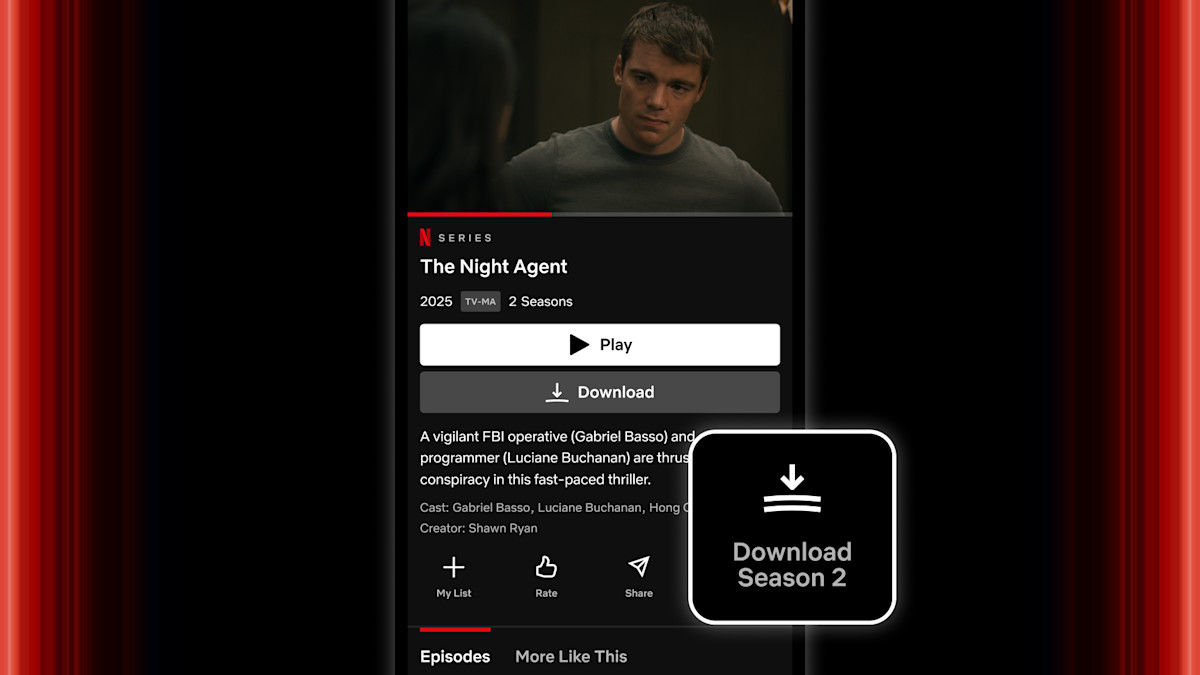
In today’s on-the-go world, offline streaming is more than a luxury—it’s a necessity. Just as we have seen a massive surge in users looking for ways to download Netflix videos for long trips or spotty internet connections, Netflix users are equally eager to take their favorite shows offline. However, a common frustration arises when users try to locate these files. You hit “Download,” the bar fills up, but where does the actual file go?
Unlike a standard file download from a website, Netflix doesn’t dump an MP4 file into your “Downloads” folder. Instead, it hides the data deep within your device’s system files, encrypted and fragmented to prevent distribution. Some users also wonder how to screen record Netflix without black screen due to the DRM protection. This article reveals exactly where these downloads are hidden on every device and explains how you can truly own the video files to watch them anywhere—even from a USB drive.
Where Are Netflix Downloads Saved?
When you download a movie or TV show on the Netflix app, the data is stored locally on your device, but it is not meant to be user-accessible. Depending on your operating system, these files are buried in specific system directories.
1. On Android Devices
On Android phones and tablets, Netflix saves content to a hidden folder in your internal storage (or SD card if configured). These files are not recognizable video files; they are split into unknown formats to protect copyright.
- Path: Internal Storage > Android > data > com.netflix.mediaclient > files > Download > .of
- What you will see: A folder containing random numbers (e.g., “829357”). Inside, you will find several non-playable files with .nfv or .of extensions.
2. On iPhone and iPad (iOS)
Apple’s ecosystem is much more “walled off.” Netflix downloads on iOS are stored within the app’s “sandbox.”
- Location: There is no user-accessible file path. The files exist solely within the Netflix application container.
- Access: You can only view and manage them by opening the Netflix app and tapping on the “My Downloads” tab. You cannot export them to the Apple “Files” app or move them to iCloud.
3. On Amazon Fire Tablets
Since Fire OS is based on Android, the structure is similar.
- Location: Internal Storage > Android > data > com.netflix.mediaclient > files > Download
- SD Card: If you choose to download to an SD card, the files are still encrypted. You cannot take that SD card, put it in a computer, and watch the videos.
Can You Save Netflix Videos to a USB?
The short answer to “Can I drag and drop my Netflix downloads to a USB drive?” is No.
Because Netflix uses Digital Rights Management (DRM), the files you located in Part 1 are “locked” to the specific device and the specific Netflix account that downloaded them. If you copy those encrypted folders to a USB drive and plug it into your Smart TV or another laptop, the files will not play. They are useless without the original Netflix app acting as the key.
The Solution: Keeprix Downloader
To save Netflix videos to a USB drive in a playable format, you need a tool that can bypass these restrictions and convert the stream into a standard video file. We recommend Keeprix Downloader.
Keeprix Downloader is a professional Netflix downloader designed to download high-quality movies and TV shows from streaming services like Netflix directly to your computer’s hard drive in open formats.
Key Features of Keeprix for Netflix Users:
- Download to MP4/MKV: Unlike the official app’s encrypted files, Keeprix saves videos as standard MP4 or MKV files. These are universally compatible with any USB-enabled TV, gaming console, or media player.
- 1080p Full HD Support: Enjoy your content in crisp high definition, ensuring your offline viewing experience is just as good as streaming.
- Remove Ads: If you are on the Netflix “Standard with ads” plan, Keeprix automatically removes all commercials during the download process.
- Preserve Multi-Language Audio/Subtitles: You can choose to keep specific audio tracks and subtitles, perfect for learning languages or watching foreign films.
- Permanent Access: Official Netflix downloads expire after a certain period. Files downloaded with Keeprix are yours forever and never expire.
Conclusion
While finding where Netflix downloads go can be an interesting technical dive, the reality is that the official files are strictly locked down and intended only for temporary viewing within the app. They are hidden, encrypted, and device-specific. If you want true freedom to watch your favorite Netflix shows offline—whether it’s via a USB drive on a hotel TV or permanently archived on your laptop—Keeprix Downloader is the essential tool you need. It bridges the gap between streaming convenience and file ownership, ensuring your entertainment is always ready when you are.
Keep an eye for more latest news & updates on Daily!